


Many website owners ask this important question: Does GA4 Track Google AI Mode as a Referrer? Google Analytics 4 (GA4) is a free tool from Google. It helps you see where your visitors come from and what they do on your site.
Referrer tracking shows the website or page that sent a visitor to yours. For example, if someone clicks a link from Google search, GA4 usually marks it as “organic search.”
Google AI Mode (also known as AI Overviews) is a new feature. It uses artificial intelligence to give direct answers in Google search results. Sometimes these answers include links to websites. When users click those links, they visit your site.
The short answer is: No, GA4 does not track Google AI Mode as a separate or special referrer. Most of this traffic appears as normal organic search or sometimes as direct traffic. This makes it tricky to see AI traffic clearly.
Why does this matter? AI search is growing fast. Knowing how much traffic comes from AI helps you understand new visitor sources. It also lets you improve your content for AI results. GA4 updates are helping, but extra steps are still needed for AI tracking.
What Is GA4? (Simple Explanation)
GA4 stands for Google Analytics 4. It is Google’s current tool for website and app analytics. GA4 tracks visitor actions through events, such as page views, clicks, and scrolls.
This tool is different from the older version (Universal Analytics). GA4 puts more focus on user privacy. It works well across phones, tablets, and computers.
Referrer tracking is one key feature. GA4 looks at the “referrer” information. This tells where the visitor came from before reaching your site. Common categories include organic search (from Google), referral (from other websites), direct (typed URL), and paid ads.
What Does “Google AI Mode” Mean for Analytics?
Google AI Mode is the name for Google’s AI-powered search feature, often called AI Overviews. When you search on Google, AI now creates a summary answer at the top. This summary may include images, facts, and links to websites.
Users can read the AI answer and click a link for more details. Those clicks send real visitors to websites. For website owners, this creates new traffic.
However, analytics tracking becomes harder. Google treats these AI results as part of normal search. The referrer information is not always clear or unique.
Does GA4 Track Google AI Mode as a Referrer? (Easy Answer)
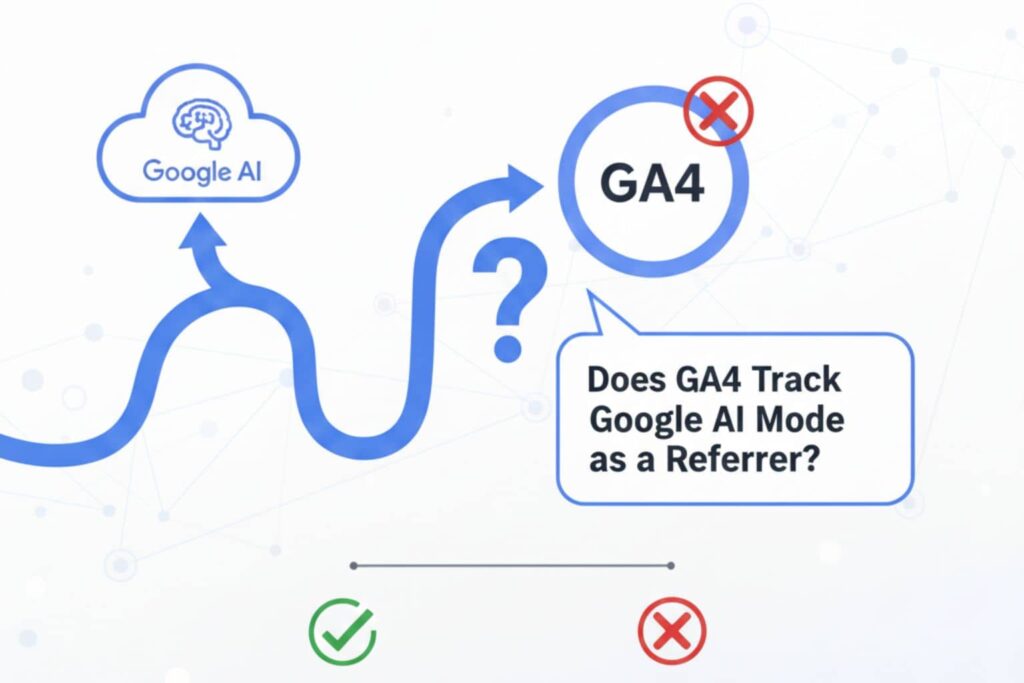
Does GA4 Track Google AI Mode as a Referrer? The clear answer is no – not as a separate or distinct referrer.
Here is why:
- Traffic from Google AI Mode usually shows up as “google / organic” (normal Google search).
- Sometimes it appears as “(direct) / (none)” because no referrer information is passed.
- Google often uses a “no referrer” policy on AI links. This hides the exact source.
- Unlike other AI tools (such as ChatGPT or Perplexity), Google does not send a clear referral tag like “ai.google” or “google-ai”.
Many experts and tests from 2025 confirm this. GA4 blends AI Overview clicks into regular organic traffic. You cannot see them separately without custom work.
Short summary: GA4 does not label Google AI Mode traffic as special right now. You need manual setups to track it better.
How GA4 Records Referrer Data Now
GA4 checks the referrer URL (the previous page address) for every visit. Then it uses rules to decide the traffic type.
For normal Google search clicks, GA4 shows:
- Source: google
- Medium: organic
For Google AI Mode clicks, the same thing usually happens. The referrer looks like a regular Google search link. Sometimes the referrer is missing completely, so GA4 marks it as direct.
With recent GA4 improvements, data accuracy is better. Still, there is no automatic “AI” category. You must check reports manually.
To view referrer data:
- Go to Reports > Acquisition > Traffic acquisition.
- Look at Session source/medium.
This shows the full picture.
Common Issues With Tracking AI Traffic
Tracking traffic from Google AI Mode has several challenges.
- No unique identifier: AI clicks blend with normal organic search.
- Missing referrer data: Many links use “no referrer” policy.
- Privacy rules: Google protects user information.
- Confusion with other AI tools: ChatGPT often shows as clear referral (chatgpt.com / referral), but Google AI does not.
These issues make it hard to know exactly how much traffic comes from AI.
The good news is that custom filters and channel groups in GA4 new features can help solve most problems.

Benefits of GA4’s Updated Referrer Tracking
Recent GA4 updates bring real advantages.
- You get clearer insights into user behavior.
- You can make smarter decisions about content and marketing.
- Reports are easier to read with AI help like Analytics Advisor.
Even without a special AI label, these improvements let you spot patterns in organic traffic. You can see if AI is helping your site grow.
GA4 vs Universal Analytics: Referrer Tracking Differences
Universal Analytics was the old Google tool. It stopped working in 2023.
Here are the main differences in referrer tracking:
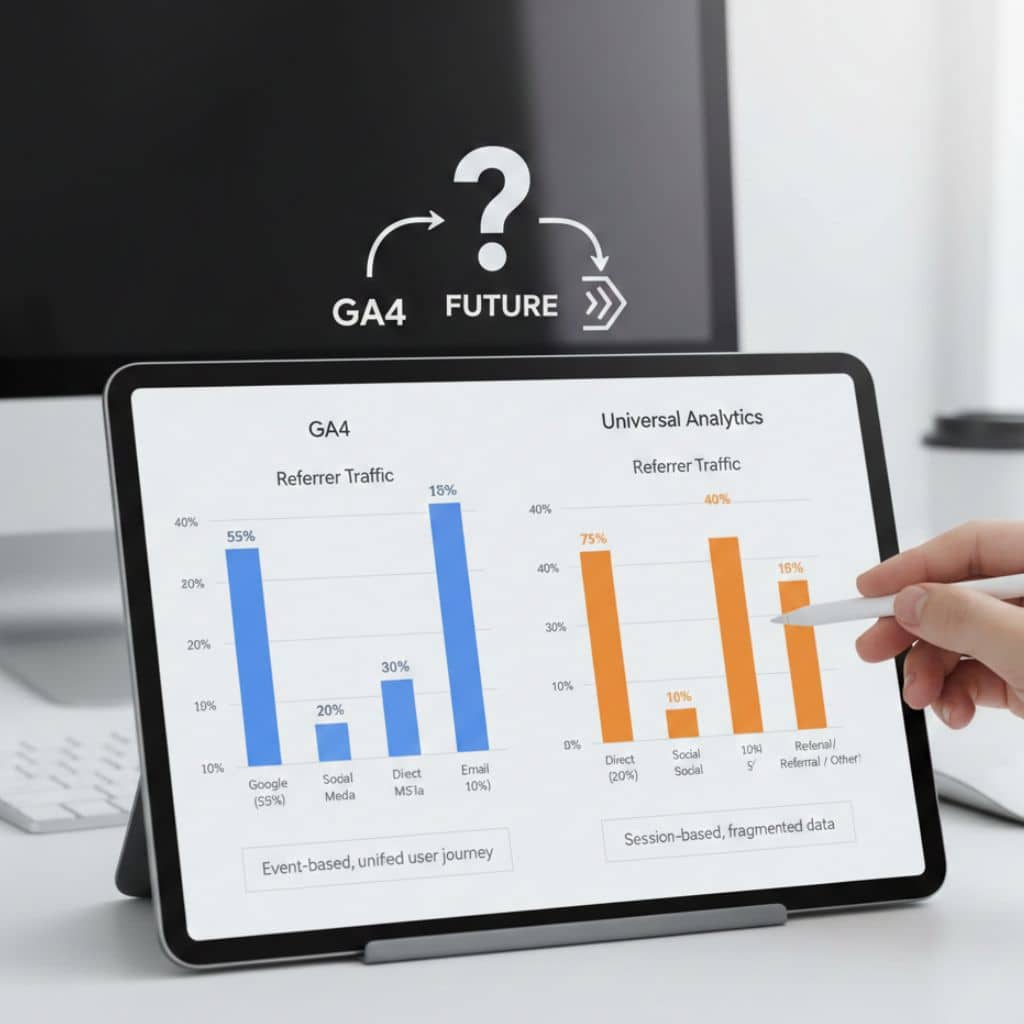
- Universal Analytics used simple session and pageview tracking.
- GA4 uses event-based tracking and focuses more on privacy.
- Both tools blend Google AI traffic into organic or direct.
- GA4 gives you more control with custom dimensions, filters, and channel groups.
- GA4 works better across devices and includes AI-powered insights.
Overall, GA4 is more powerful for modern tracking needs.
Steps to Ensure GA4 Tracks AI Traffic Correctly
You can improve tracking with these simple steps:
- Check your GA4 setup. Make sure your tracking code (tag) works correctly.
- Use the Explore section. Create a new free-form exploration report.
- Add dimensions like Page referrer and Session source/medium.
- Create a custom channel group in Admin > Channel groups.
- Copy the default group.
- Add a new channel called “AI Traffic”.
- Use conditions or regex to catch known AI sources (focus on other AIs first).
- Check reports regularly. Look for changes in organic or direct traffic that might come from AI.
These steps give you much better visibility.
Mistakes to Avoid When Tracking Google AI Mode in GA4
Here are common mistakes to avoid:
- Do not ignore sudden increases in organic traffic. They might come from AI.
- Do not assume all organic traffic is from traditional search.
- Do not forget to update your custom filters when new AI tools appear.
- Always test your setup by clicking your own links and checking results.
- Pay attention to engagement metrics. Real users stay longer than bots.
Avoiding these mistakes keeps your data clean and useful.
Future of GA4 and AI Traffic Analytics
The future looks promising for GA4 and AI tracking.
Google will probably add better support for AI traffic in future updates. We may see a separate channel or label for AI Overviews.
More GA4 improvements are coming. Expect smarter referrer detection, better AI insights, and easier reporting.
Stay updated by checking Google’s blog and GA4 help pages regularly.
FAQs About GA4 Tracking Google AI Mode
Does GA4 Track Google AI Mode as a Referrer?
No, it does not show it as a separate referrer. Most traffic appears as organic search or direct.
Why is Google AI Mode traffic hard to track?
Google blends it with normal search results and often does not pass clear referrer information.
How can I see AI traffic in GA4 reports update?
Use custom channel groups, Explorations, and filters for AI-related domains and patterns.
What about traffic from other AI tools like ChatGPT?
It usually shows clearly as referral (for example, chatgpt.com / referral). This is much easier to spot.
Will GA4 improvements add AI referrer tracking soon?
Yes, it is very likely. Google continues to update GA4 with new features for modern search.
Conclusion
To sum up: Does GA4 Track Google AI Mode as a Referrer? No, not as a clear or separate one at this time (January 2026). Google AI Mode traffic usually blends into organic search or direct categories.
However, GA4 is still very powerful. With custom setups, channel groups, and regular checks, you can track the impact of AI traffic effectively. These steps help you understand visitor sources and improve your website.



Interesting point about GA4 lumping AI Overviews traffic into organic or even direct — that definitely explains why many sites are seeing unexplained fluctuations. One thing I’ve noticed is that pages with very clear, structured answers tend to get more visibility in AI-generated results, even if you can’t track them separately. It’ll be worth watching whether Google eventually adds a dedicated dimension as AI-driven search becomes more common.
Exactly! Structured, clear content seems to perform better in AI-driven results, even if GA4 lumps the traffic. A dedicated AI dimension would make tracking so much easier down the line.