Benefits of Google Analytics 4 are changing how people understand their websites. Google Analytics 4 (or GA4) is the newest version of Google’s free tool that tracks website visitors and their actions.
Many website owners, bloggers, and small business people use it to see what works and what doesn’t. Knowing the benefits of Google Analytics 4 helps you make smart choices to grow your site.
This tool gives better data than the old version. It focuses on user actions, privacy, and future needs.
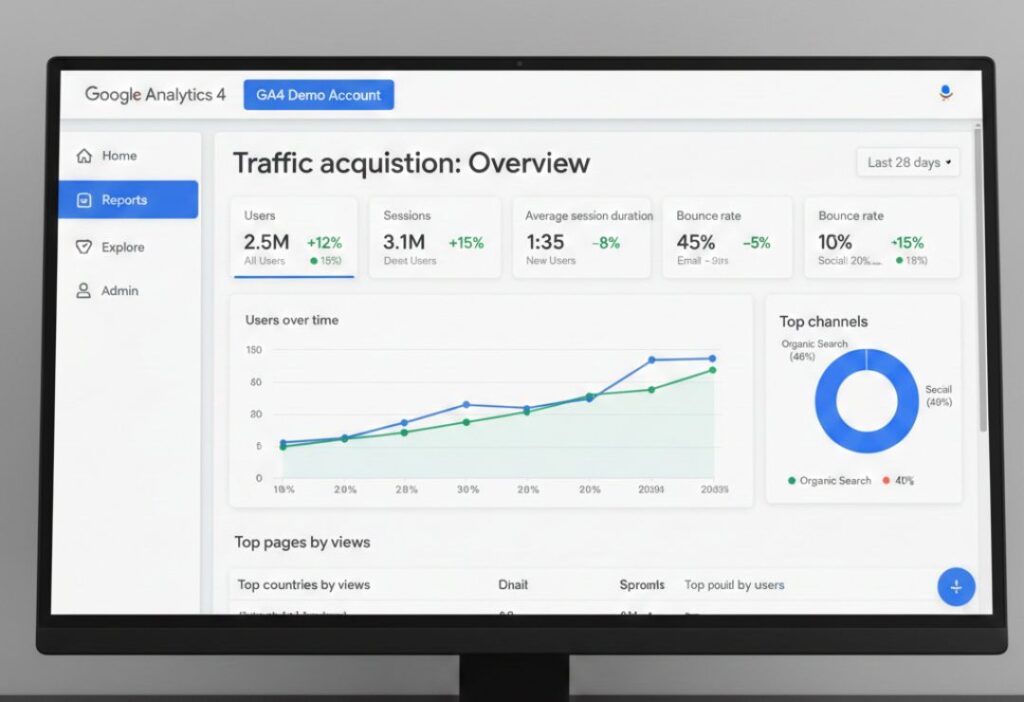
What Is Google Analytics 4? (Simple Explanation)
Google Analytics 4 is a free tool from Google. It shows you who visits your website, where they come from, and what they do there.
The old version was called Universal Analytics. Google replaced it with GA4 because the internet changed a lot. People now use phones, tablets, and computers to browse.
GA4 collects data in a smarter way. It tracks “events” like button clicks, video plays, or form submissions.
Why Google Analytics 4 Is Important for Websites
Without good data, you guess what visitors like. With GA4, you see real facts.
It helps improve user experience, increase sales, and save time. For beginners, it’s free and easy to start.
You get clear pictures of your website performance. This leads to better decisions.
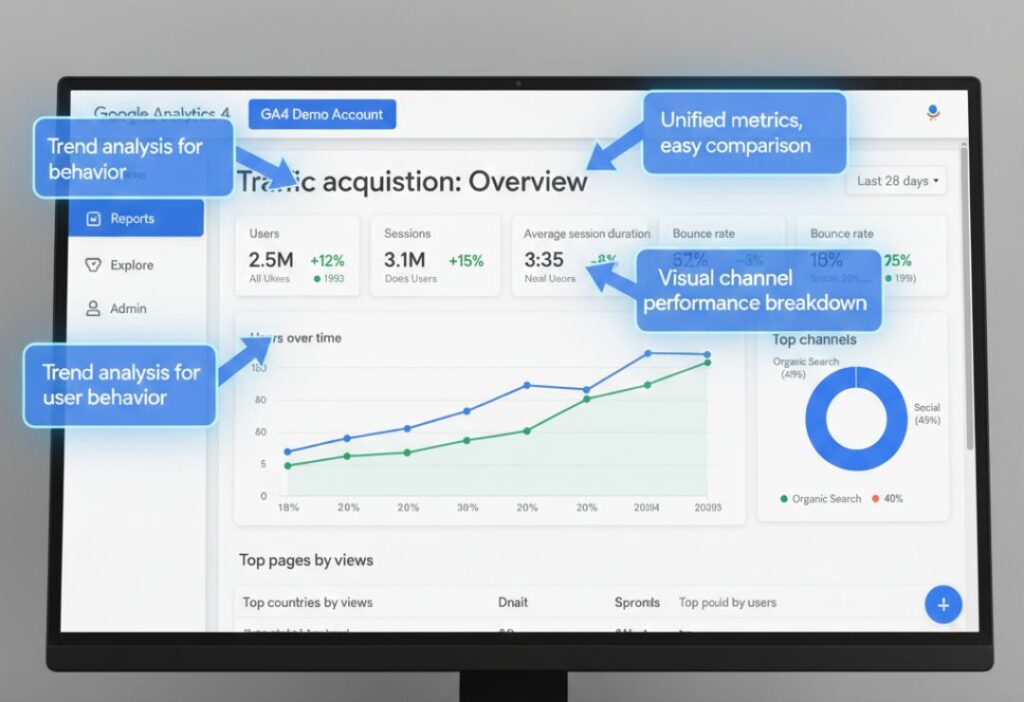
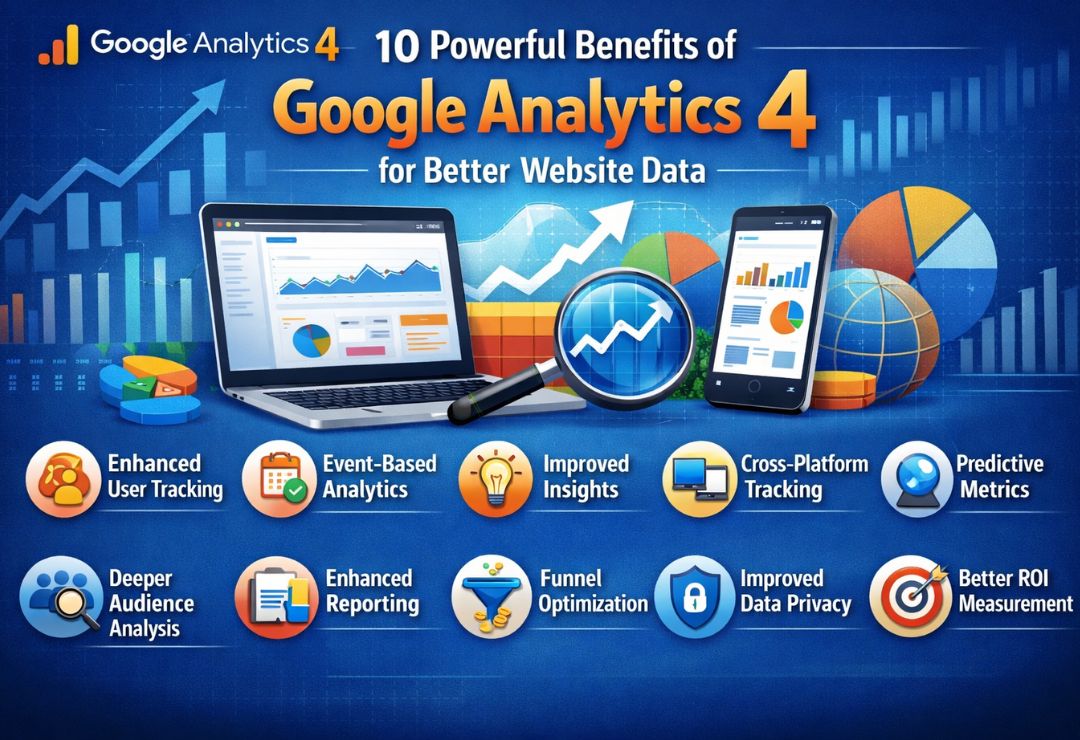
Top 10 Benefits of Google Analytics 4
Here are the top benefits of Google Analytics 4 explained simply.
- Better User Tracking GA4 follows users across pages and sessions better. It shows the full journey from first visit to purchase. Example: See if someone saw your blog, then bought a product later.
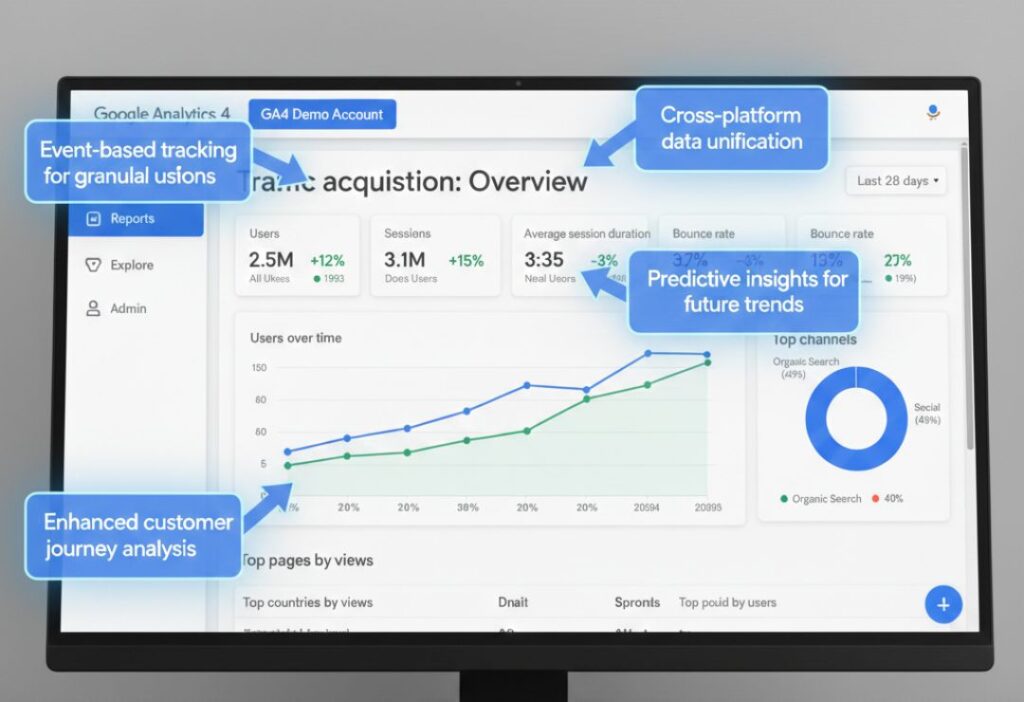
- Event-Based Data Instead of just page views, GA4 tracks every action as an “event.” Clicks, scrolls, downloads – everything counts. This gives more details about user interest.
- Improved Reports GA4 reports are cleaner and more useful. You find key info faster with simple layouts. Custom reports help focus on what matters to you.
- Privacy-Focused Tracking GA4 respects user privacy more. It works without relying heavily on cookies that browsers block. This means more accurate data even as privacy rules get stricter.
- Cross-Device Tracking Users switch between phone and laptop. GA4 connects these activities using User-ID and signals. You see the true user path, not separate devices.
- AI-Powered Insights GA4 uses machine learning to find patterns automatically. It shows trends you might miss. Example: It predicts future actions or flags unusual traffic drops.
- Better Conversion Tracking Setting up goals is easier. Track purchases, sign-ups, or leads without complex code. Enhanced measurement captures many events automatically.
- Free Advanced Features Many tools that cost money in other platforms come free in GA4. BigQuery export (for large data) is available at no extra cost for most users.
- Future-Ready Analytics GA4 is built for the future of the web. It handles new technologies and privacy changes well. Google continues to improve it with new updates.
- Easy Integration with Google Tools GA4 connects smoothly with Google Ads, Search Console, and BigQuery. This helps combine data for better marketing.
How GA4 Helps Beginners and Non-Technical Users
GA4 looks scary at first, but it’s beginner-friendly. The setup wizard guides you step by step. Many events track automatically – no coding needed. The interface uses simple charts and numbers. You can ask questions in plain English in some views. Tutorials and help articles make learning easy. Start small and grow as you get comfortable.
GA4 vs Universal Analytics: Key Benefits Compared
Universal Analytics (UA) stopped working in 2023. GA4 replaced it completely.
UA focused on sessions and pageviews. GA4 uses events and users for better accuracy.
UA needed lots of manual setup. GA4 does more automatically.
GA4 handles privacy better and uses AI. UA did not have these modern features.
GA4 gives deeper insights for today’s mobile-first world.
How Google Analytics 4 Improves SEO and Marketing
Benefits of Google Analytics 4 shine in SEO and marketing.
- See which pages get the most visitors from Google search. Find keywords that bring traffic.
- Track marketing campaigns easily. See which ads or emails bring real results.
- Understand bounce rates and time on page to improve content. Lower bounce rate means better SEO.
- Combine GA4 data with Google Ads for smarter bidding and targeting.
Common Mistakes People Make While Using GA4
- Many skip the setup checklist. This leads to missing data.
- Some ignore events and only look at pageviews. They miss important actions.
- Not linking other Google tools limits insights.
- Ignoring privacy settings can cause data loss.
- Forgetting to check reports regularly means missing opportunities.
What You Should Do to Use GA4 Effectively (Step-by-Step)
- Create a GA4 property in your Google account.
- Add the tracking code to your website (or use Google Tag Manager).
- Enable enhanced measurement for automatic events.
- Set up conversions for important actions.
- Explore the Reports section weekly.
- Use Explorations for custom analysis.
- Link Google Ads and Search Console.
- Watch free GA4 tutorials on YouTube.
Start small. Focus on key pages first.
Future Benefits of Google Analytics 4
- Google keeps adding new features to GA4. More AI tools will come.
- Better predictions and automation will save time.
- As privacy laws change, GA4 will stay reliable.
- It prepares your website data for the cookieless future.
- You won’t need to switch tools again soon.
FAQs About Benefits of Google Analytics 4
What are the main benefits of Google Analytics 4?
The main benefits of Google Analytics 4 include better tracking, privacy protection, AI insights, and event-based data for accurate user understanding.
Is Google Analytics 4 better than Universal Analytics?
Yes. GA4 offers modern features like cross-device tracking, automatic events, and future-proof design that UA lacks.
How does GA4 help with privacy?
GA4 uses less personal data and works with browser restrictions. It focuses on modeling data instead of forcing cookies.
Can beginners use Google Analytics 4 easily?
Yes. GA4 has simple setup, auto-tracking, and easy-to-read reports. Free guides help non-technical users.
Does GA4 improve marketing results?
Absolutely. It shows which channels work best, tracks conversions accurately, and integrates with Google Ads for better campaigns.
Conclusion
The benefits of Google Analytics 4 make it a must-have tool for any website owner.
From better user tracking and AI insights to privacy focus and easy integrations – GA4 gives you powerful data without complexity.
If you run a blog, store, or business site, start using GA4 today. The free tool helps you understand visitors, improve your site, and grow faster.
Don’t wait – set up Google Analytics 4 now and enjoy these benefits of Google Analytics 4 for better website data.