People often mix up Google Tag Manager vs Google Analytics. Both are free Google tools for websites, but they do different jobs.
Google Analytics shows you data about visitors. Google Tag Manager helps put tracking codes on your site easily. Many beginners think one replaces the other. This guide explains the clear differences in simple words.
You will see why most people use both together for the best results.
What Is Google Analytics? (Simple Explanation)
Google Analytics is like a report card for your website.
It collects data and shows you:
- How many people visit
- Which pages they like
- Where they come from (like Google search or ads)
- What actions they take (like buying or signing up)
Think of it as the teacher who watches and grades student performance.
Google Analytics (now mostly GA4) gives charts and numbers to help you improve your site.
Example: A shop owner sees that most visitors leave after seeing the price page. They can then lower prices to get more sales.
What Is Google Tag Manager? (Simple Explanation)
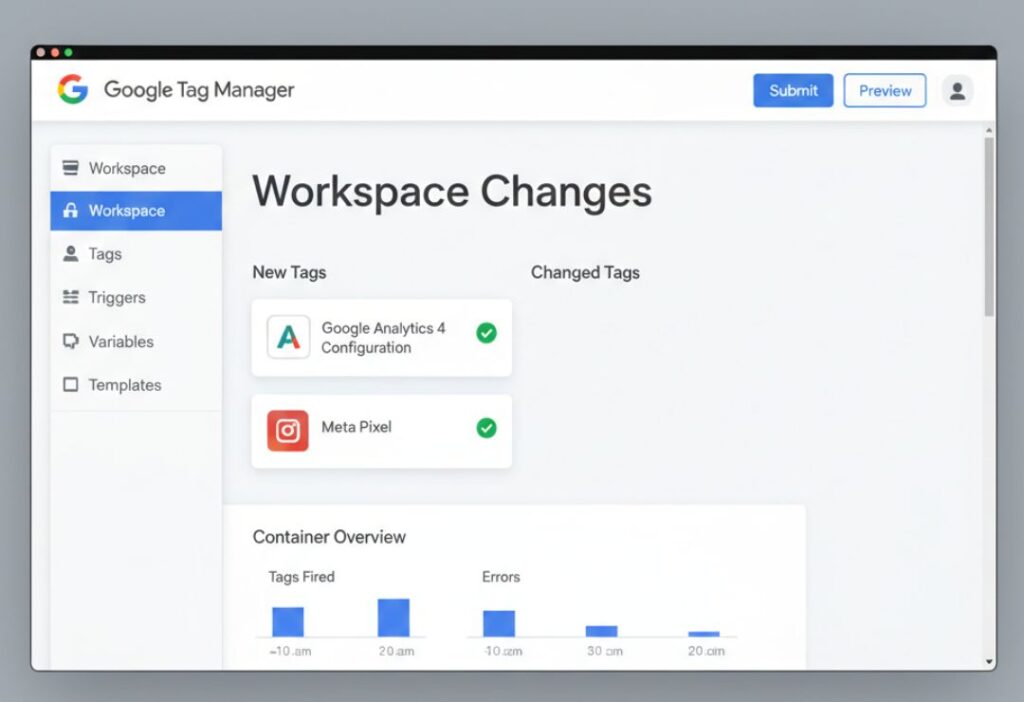
Google Tag Manager is like a control room for tracking codes. Websites use many “tags” – small codes for tools like Google Analytics, Facebook ads, or email sign-up trackers. Adding these codes directly to your site is hard and messy. It needs a developer each time.
Google Tag Manager lets you add, change, or remove these tags from one easy dashboard. No need to touch website code often.
Example: You want to track when someone clicks “Buy Now”. With GTM, you set a rule once, and it works everywhere.
Google Tag Manager vs Google Analytics: Basic Difference Explained
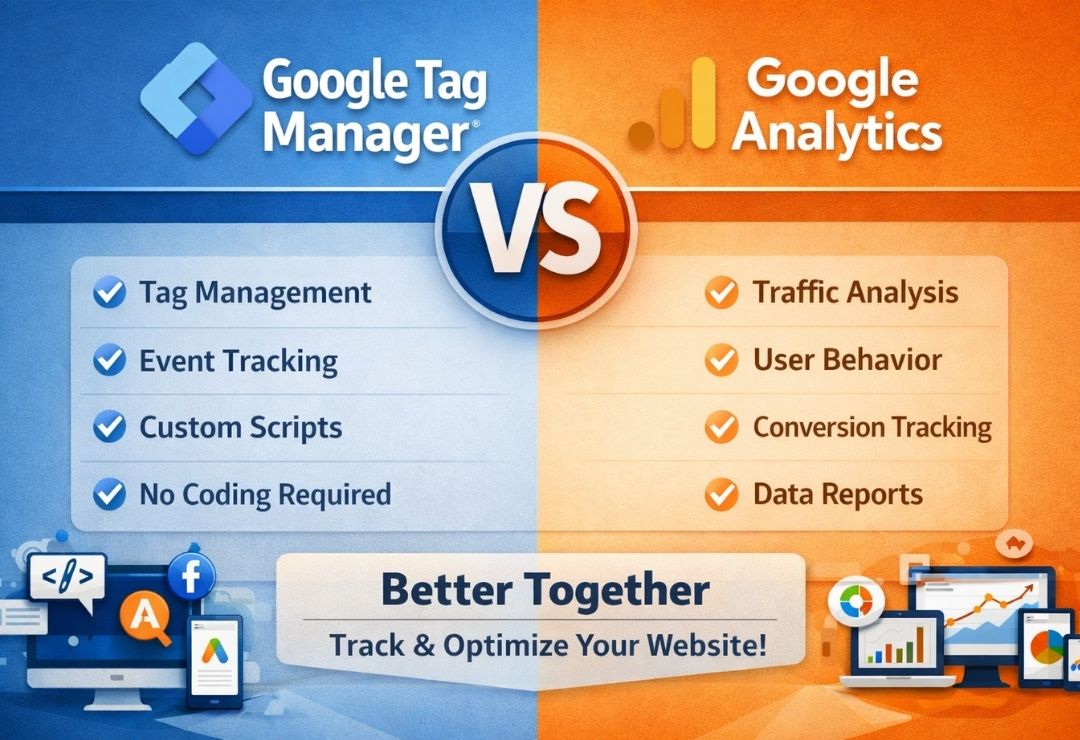
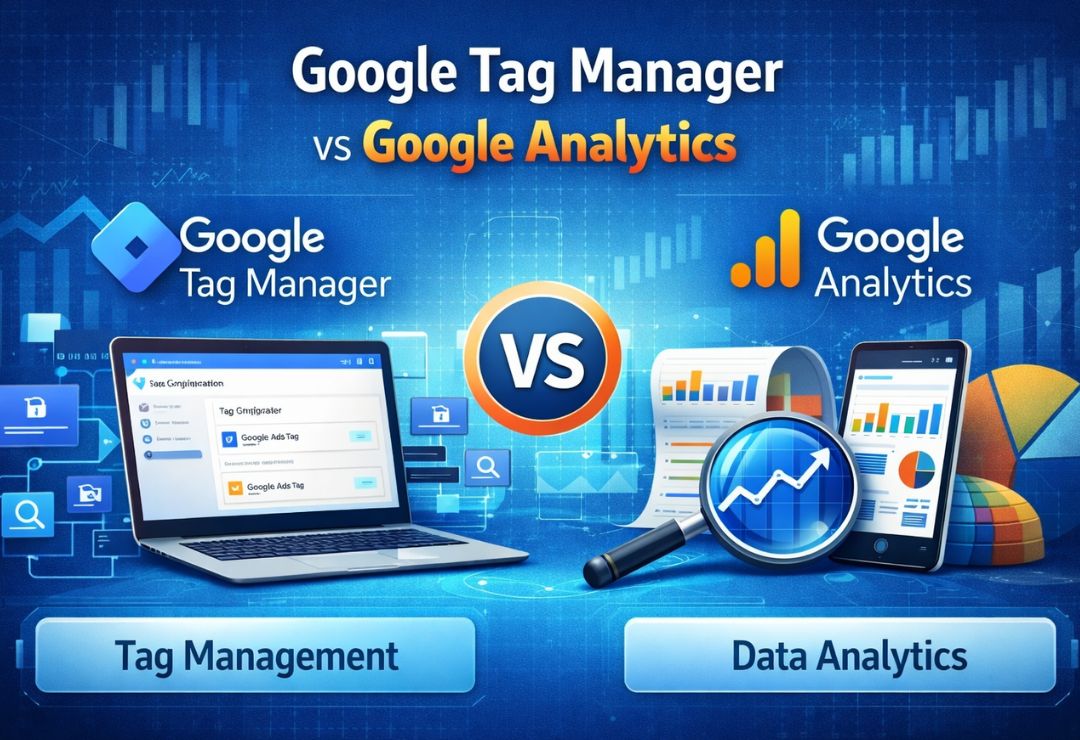
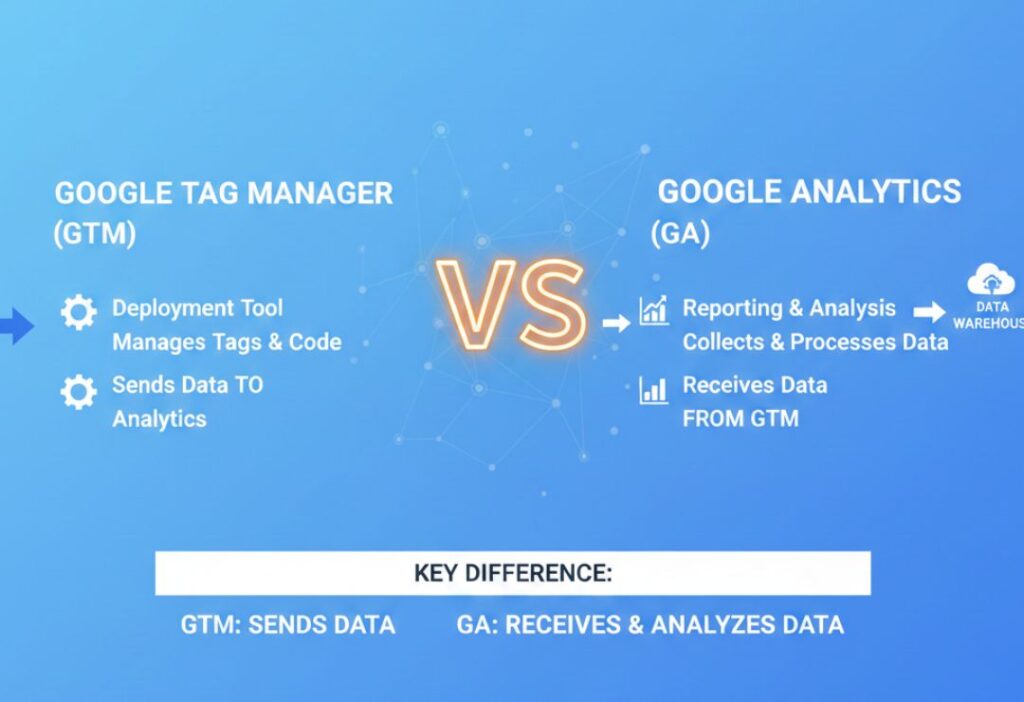
Here is the simple difference in Google Tag Manager vs Google Analytics:
- Google Analytics = The place that receives and shows data (reports, charts).
- Google Tag Manager = The helper that sends data to Google Analytics and other tools.
Google Analytics answers “What happened on my site?”
Google Tag Manager answers “How do I collect that info easily?”
One collects and shows. The other manages how to collect.
Which Tool Actually Tracks Data?
Google Analytics does not track by itself. It needs a code (tag) on your site to start collecting. You can add the Google Analytics code directly (called gtag.js). But this is basic and hard to update.
Google Tag Manager tracks better in most cases because:
- It sends detailed data (events like scrolls, video plays)
- You control when and what to track
- It handles many tools at once
Google Analytics shows the data. But without good setup (often via GTM), the data is limited. So, GTM helps track more accurately and flexibly.
How Google Tag Manager and Google Analytics Work Together
Most experts say use both. You put one small GTM code on your site. Inside GTM, you add a tag for Google Analytics. GTM sends page views and events to Google Analytics. Then Google Analytics shows nice reports.
Example: A blog wants to track form submissions. GTM catches the submit button click and sends it as an event to Google Analytics. You see conversion numbers there.
This combo gives powerful tracking without code changes every time.
Pros and Cons of Google Analytics
Pros:
- Free and easy reports
- Shows visitor behavior clearly
- AI insights predict trends
- Good for SEO and ad tracking
- Privacy features built-in
Cons:
- Basic setup misses many events
- Hard to add custom tracking without help
- Reports can overwhelm beginners
Pros and Cons of Google Tag Manager
Pros:
- Manage all tags in one place
- No developer needed for changes
- Track custom events easily
- Test changes before going live
- Works with many marketing tools
Cons:
- Learning curve at start
- Setup takes time
- No reports – only sends data
Which Tool Is Better for Beginners?
- For pure beginners, start with Google Analytics alone. Use the simple setup (add code directly or via plugin). It gives basic data fast.
- When you want more (like tracking buttons or ads), add Google Tag Manager.
- Many use both from day one for future growth.
When Should You Use Google Tag Manager? (Use Cases)
Use GTM when:
- You run ads on Facebook, Google, etc.
- You want to track clicks, scrolls, downloads
- Your site has forms or videos to monitor
- You change tracking often
- You hate asking developers for small updates
Example: An online course site tracks video completion rates to improve content.
When Should You Use Google Analytics? (Use Cases)
Use Google Analytics when:
- You just need visitor counts and popular pages
- You want free reports on traffic sources
- You track SEO performance
- You measure sales or sign-ups simply
Example: A small blog checks which posts get most views from search.
Common Mistakes People Make While Using GTM and GA
- Adding both direct GA code and GTM – causes double counting
- Not testing in GTM preview mode – wrong data sent
- Ignoring consent for privacy rules
- Not setting up events – only page views tracked
- Forgetting to link GTM to GA properly
Always test and check data in reports.
Future of Website Tracking With GTM and Google Analytics
- Tracking changes with privacy laws.
- Google Analytics 4 uses events and AI better.
- Google Tag Manager helps adapt fast without code changes.
- Together, they handle cookieless tracking and server-side options.
- They stay key tools for years.
FAQs – Google Tag Manager vs Google Analytics
Is Google Tag Manager better than Google Analytics?
No. They do different jobs. GTM manages tags. Google Analytics shows data. Use both for best results.
Do I need both GTM and Google Analytics?
Yes, for most sites. GTM sends better data to Google Analytics easily.
Can GTM replace Google Analytics?
No. GTM does not show reports. It only helps collect and send data.
Is GTM hard to use for beginners?
It has a learning curve, but free tutorials help. Start simple and grow.
Which tool is best for SEO tracking?
Google Analytics shows search traffic best. GTM helps track detailed user actions for SEO improvements.
Conclusion
In Google Tag Manager vs Google Analytics, there is no real winner. They work as a team. Google Analytics gives you the insights you need. Google Tag Manager makes collecting that data simple and powerful. For better website tracking, start with Google Analytics. Add Google Tag Manager when ready for more control. Most successful sites use both. Try them today – both are free!