Many marketers and business owners ask: Can I connect GA4 to Airtable? The answer is yes, through powerful third-party tools and workflows. Google Analytics 4 (GA4) delivers advanced event-based tracking and user insights across websites and apps. Airtable combines spreadsheet simplicity with database flexibility, making it ideal for project management, CRM, and custom dashboards.
A GA4 Airtable integration lets you pull GA4 data export directly into Airtable bases. This creates dynamic GA4 reports in Airtable, custom GA4 dashboards, and automated workflows. Teams can collaborate on analytics, blend GA4 metrics with other data like sales or content calendars, and gain actionable insights without constant manual exports.
In 2026, as GA4 matures with AI features and privacy focus, connecting it to Airtable streamlines reporting for SEO, marketing, and operations. Whether you’re a beginner or pro, this GA4 Airtable integration unlocks better data management.
What Is GA4 and Airtable?

Google Analytics 4 (GA4) is Google’s latest analytics platform, emphasizing privacy-centric, cross-device tracking. It uses an event-based model to capture user interactions, offering predictive insights, real-time reports, and integration with Google tools.
Airtable is a versatile no-code platform that functions like a spreadsheet-database hybrid. Users build bases with tables, views, forms, and automations to organize data for marketing campaigns, inventory, or editorial calendars.
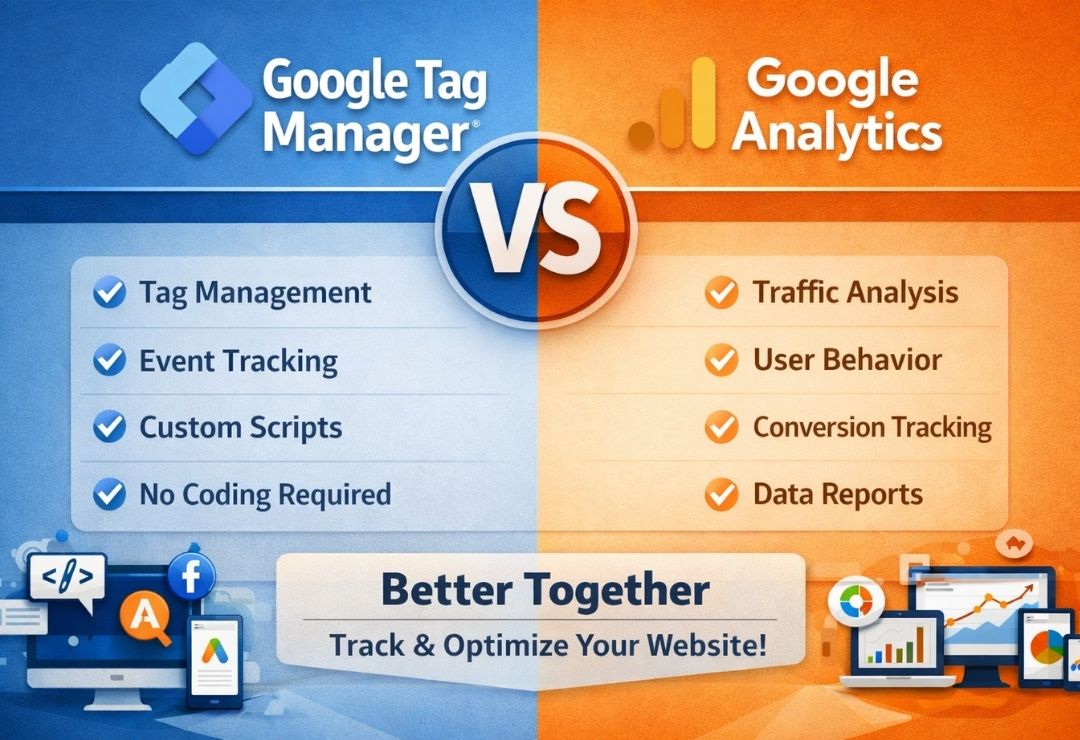
Together, they complement each other: GA4 provides raw performance data, while Airtable offers visualization and collaboration. This makes GA4 Airtable integration popular for creating custom GA4 dashboards beyond standard interfaces.
Step-by-Step Guide: Can I Connect GA4 to Airtable

No native direct connection exists, but several reliable methods enable GA4 data export to Airtable. Here are the most effective options in 2026.
Method 1: Using Data Fetcher (Airtable Extension – Recommended for Beginners)
Data Fetcher is a popular Airtable extension designed specifically for pulling external data, including GA4.
- Install Data Fetcher from the Airtable Marketplace.
- Create a new table in your Airtable base.
- Add a Data Fetcher field and select “Create New Request.”
- Choose Google Analytics 4 as the source.
- Authenticate with your Google account and select your GA4 property.
- Define dimensions (e.g., date, page path) and metrics (e.g., sessions, users, conversions).
- Run the request to import data.
- Set up scheduling for automatic daily/weekly refreshes.
This method supports aggregated reports and is user-friendly.
Method 2: Using Automation Tools like Make (formerly Integromat) or Zapier
These no-code platforms handle GA4 to Airtable transfers effectively.
Using Make:
- Create a new scenario in Make.
- Add Google Analytics 4 module: “Run Report” to fetch custom data.
- Configure dimensions, metrics, and date ranges.
- Add Airtable module: “Create Record” or “Update Record.”
- Map GA4 output fields to Airtable columns.
- Schedule the scenario or trigger on events.
Using Zapier:
- Create a Zap with GA4 trigger (e.g., new conversion event) or scheduled search.
- For reports, use “Run Report” action if available, or combine with webhooks.
- Add Airtable action to create/update records.
- Test and turn on the Zap.
Method 3: BigQuery Export (For High-Volume Data)
If you have GA4 linked to BigQuery (free for standard properties):
- Enable BigQuery export in GA4 Admin.
- Use tools like Make, Zapier, or Hightouch to query BigQuery and sync to Airtable.
- Or write custom scripts with Google Apps Script for periodic transfers.
These steps answer can I connect GA4 to Airtable with flexible, automated options.
Tips and Best Practices for GA4 to Airtable Integration
Follow these Google Analytics 4 tips for smooth Airtable automation with GA4:
- Start small: Import key metrics like sessions, users, and conversions first.
- Use date filters to avoid overwhelming your base with historical data.
- Create linked records in Airtable for blending GA4 data with other sources.
- Set up views (grid, calendar, gallery) for custom GA4 reports in Airtable.
- Monitor API limits—GA4 has query quotas; schedule runs accordingly.
- For advanced users: Add parameters for page-level or event-specific data.
- Test thoroughly: Run manual imports before automating.
- Secure connections: Use OAuth and revoke access when needed.
These practices ensure reliable, efficient data flows.
GA4 Updates News and Its Relevance to Airtable Integration
As of early 2026, GA4 continues evolving with enhanced privacy and integrations. Recent updates include improved User-Provided Data handling (full migration by Q2 2026) and seamless cost data imports from platforms like Meta, TikTok, Pinterest, and Reddit.
New audience templates (High-Value Purchasers, Disengaged Purchasers) make exporting segmented data easier for Airtable analysis.
BigQuery remains a cornerstone for GA4 data export, enabling deeper queries before syncing to Airtable. These GA4 updates news mean more accurate, enriched data for your integrations.
Benefits of Connecting GA4 to Airtable
A successful GA4 Airtable integration offers:
- Streamlined data management — Centralize analytics alongside operational data.
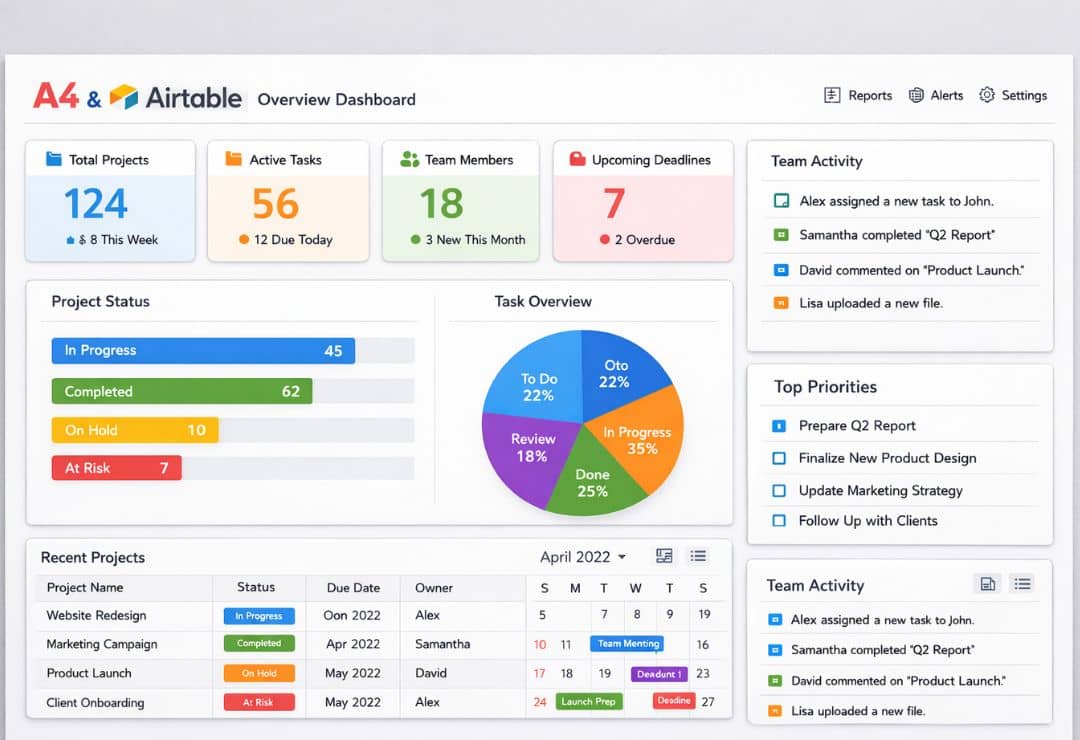
- Enhanced reporting and visualization — Build interactive GA4 dashboards in Airtable with formulas, charts, and interfaces.
- Real-time dashboards and collaboration — Share live views with teams, add comments, and automate notifications.
- Cross-data insights: Combine GA4 metrics with CRM or content data for holistic views.
- Automation savings: Reduce manual CSV exports and errors.
Teams using this setup report faster decision-making and better campaign optimization.
Common Mistakes to Avoid When Connecting GA4 to Airtable

Watch for these pitfalls:
- Mismatched dimensions/metrics leading to incomplete data.
- Forgetting to handle date ranges, causing duplicates or gaps.
- Overloading bases with too much raw event data (use aggregates).
- Ignoring authentication expirations in tools.
- Not mapping fields correctly, resulting in blank or wrong columns.
- Skipping testing, leading to silent failures in automations.
Avoid them for clean, reliable integrations.
Future of GA4 Integrations and Automation Tools
GA4’s focus on AI insights and privacy will drive more seamless third-party connections. Tools like Make, Zapier, and Airtable extensions will evolve with deeper GA4 API support.
Expect better no-code options for real-time syncing and predictive data flows into platforms like Airtable. As analytics workflows advance, GA4 Airtable integration will play a key role in collaborative, agile marketing.
FAQs About GA4 and Airtable Integration
Can I connect GA4 to Airtable directly?
No native integration exists, but tools like Data Fetcher, Make, or Zapier make it straightforward and automated.
Is GA4 data export to Airtable free?
Basic methods (e.g., Data Fetcher free tier, Zapier free plan) are available, but premium features or high volume may require paid plans.
How often can I sync GA4 data to Airtable?
Daily or hourly, depending on the tool—Data Fetcher and Make support flexible scheduling.
Can I build custom GA4 dashboards in Airtable?
Yes, Airtable’s views, formulas, and charts turn imported GA4 data into powerful, shareable dashboards.
What if I need raw event-level data from GA4 in Airtable?
Use BigQuery export first, then sync via automation tools for detailed transfers.
Conclusion
Yes, you absolutely can connect GA4 to Airtable, and doing so transforms how you handle analytics. From simple report imports to automated workflows and custom dashboards, the benefits of GA4 Airtable integration are clear: better collaboration, deeper insights, and efficient data management.
Follow the step-by-step methods, apply the tips, and avoid common pitfalls to get started quickly. In 2026’s data-driven world, this connection empowers marketers and teams to make smarter decisions.
Implement your GA4 to Airtable integration today—your analytics will thank you.