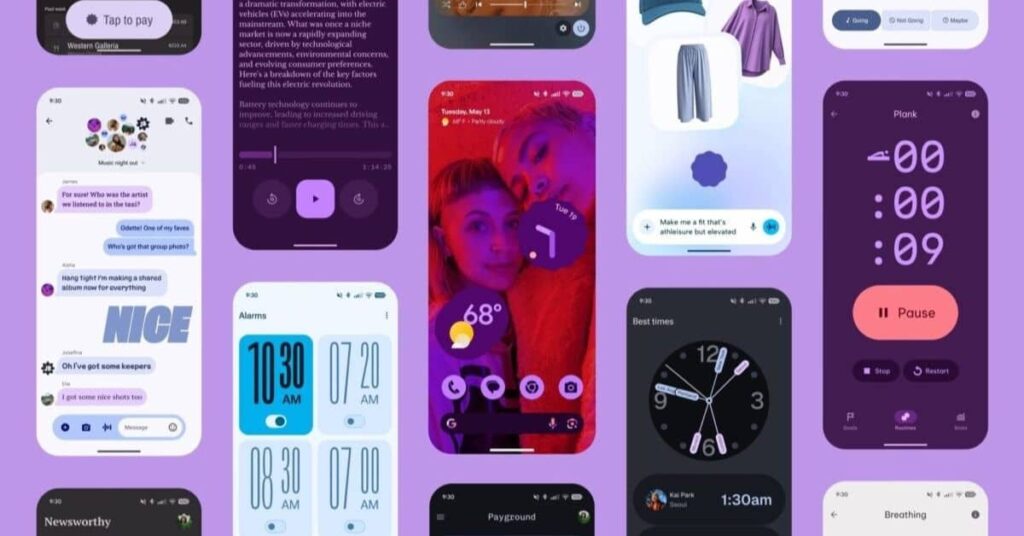
Imagine opening your phone’s messaging app and suddenly everything feels fresh, alive, and super modern like your chats just got a complete makeover! That’s exactly what happened with the latest Google Messages App Design Update on Android in 2025 and early 2026. Google didn’t just add a few new buttons… they completely transformed the look using something called Material 3 Expressive. This bold new style brings vibrant colors, smooth pill-shaped buttons, floating menus, and animations that make every tap feel exciting and easy.
If you’re tired of the same old texting screen or want your messages to look as cool as the rest of your phone, this update is a game-changer. It rolled out step by step — starting in mid-2025 with the chat screen and plus menu, then adding a sleek account menu in October, and even introducing a floating pill-shaped context menu in January 2026 for super-fast actions like replying or deleting. Whether you use a Google Pixel, Samsung Galaxy, or any Android phone, the Google Messages App Design Update on Samsung brings the same beautiful changes. Millions of users are already loving how much cleaner, more colorful, and fun their daily chats have become — and once you see it, you’ll wonder how you ever texted without this fresh look!
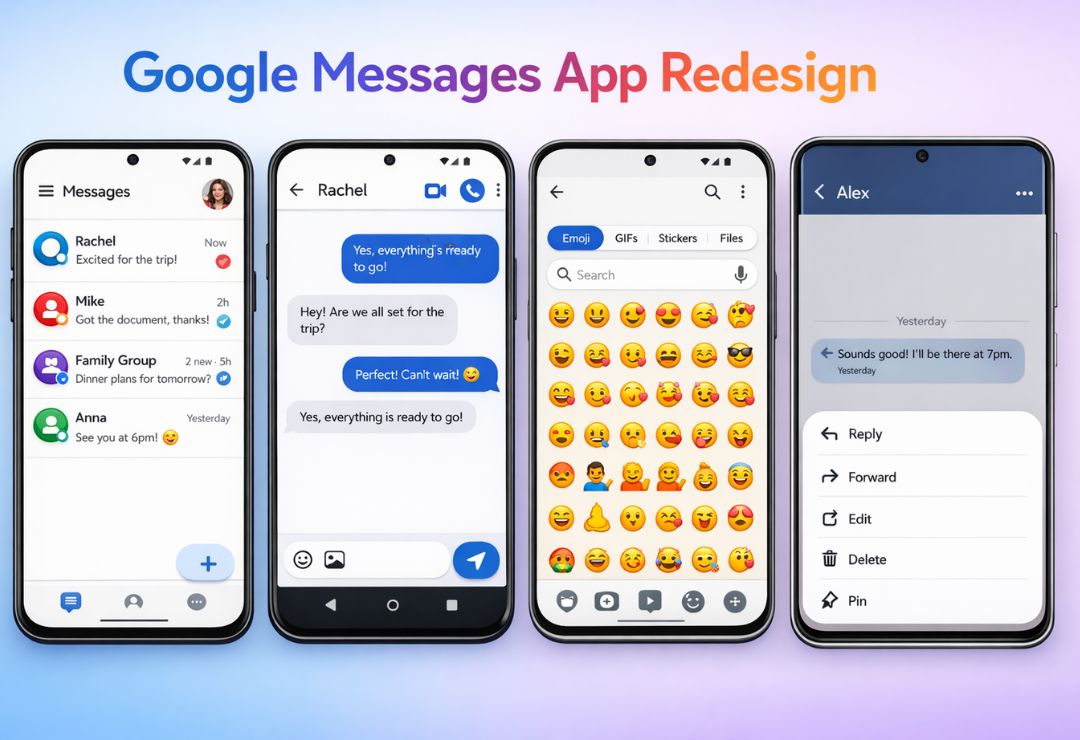
Here is a stunning example of the modern Google Messages home screen with the new Material 3 Expressive design:
What Is Google Messages App? (Easy Explanation)
Google Messages is the main app most Android phones use for texting. It handles regular SMS texts (green bubbles) and advanced RCS messages (blue bubbles) that let you send high-quality photos, see when someone is typing, know if they read your message, and even react with emojis.
On Samsung phones, Google Messages is now the recommended default app because it gives the best RCS experience. It’s free, secure, and gets new updates regularly from Google through the Play Store.
Latest Google Messages App Design Update: What’s New?
The update is all about Material 3 Expressive — Google’s exciting design style introduced in 2025. It makes apps feel more “alive” with bold shapes, dynamic colors, and fluid movements. Google rolled it out in phases to Google Messages:
- Started testing in June 2025.
- Added to chat screens and plus menu in August 2025.
- Updated account menu in October 2025.
- Brought a new floating pill-shaped context menu in January 2026.
The result? A much more modern app that looks professional yet fun.
Take a look at the expressive chat screen with its pill-shaped elements:
Google Messages New Design Features Explained Simply
Here are the key changes explained in the easiest way:
- Pill-shaped buttons — No more plain circles! Buttons for Gallery, GIFs, Stickers, Files, and more are now in smooth, rounded pill shapes. They look cleaner and more modern.
- Connected tabs — In the emoji/GIF menu, tabs like Emoji, GIFs, and Stickers are linked in one group. The active one gets a bold pill highlight.
- Floating context menu — Long-press a message in 2026, and a compact pill-shaped menu pops up right near it — perfect for quick replies, deletes, or reactions.
- Solid backgrounds and spacing — Chats have solid colors (matching your phone’s theme) with more space, so nothing feels crowded.
- Smoother animations — Swipes bounce nicely, menus morph, and everything moves with a lively feel.
These make texting faster and more enjoyable every day.
Google Messages App Design Update on Android Devices
On Pixel and other Android phones, the Google Messages App Design Update on Android came quickly. The full Material 3 Expressive look — including pill buttons and expressive animations — started appearing in stable versions by late 2025. It matches Android’s overall Material You theming perfectly.
Google Messages App Design Update on Samsung Phones
Samsung Galaxy users get the exact same Google Messages App Design Update on Samsung through Play Store updates. It blends beautifully with Samsung’s One UI. The pill-shaped menus and clean layouts feel right at home on Galaxy devices.
Here’s the fresh design in action on a Samsung Galaxy phone:
How the New Design Improves User Experience
The update makes texting simpler and nicer:
- Easier chats — More space and big pill buttons mean less clutter and faster finding.
- Better look — Vibrant, theme-matching colors make the app feel premium.
- Faster use — Floating menus and smooth swipes help, especially on big phones or with one hand.
Users say it feels like a whole new app — more fun and less basic!
Google Messages Old Design vs New Design
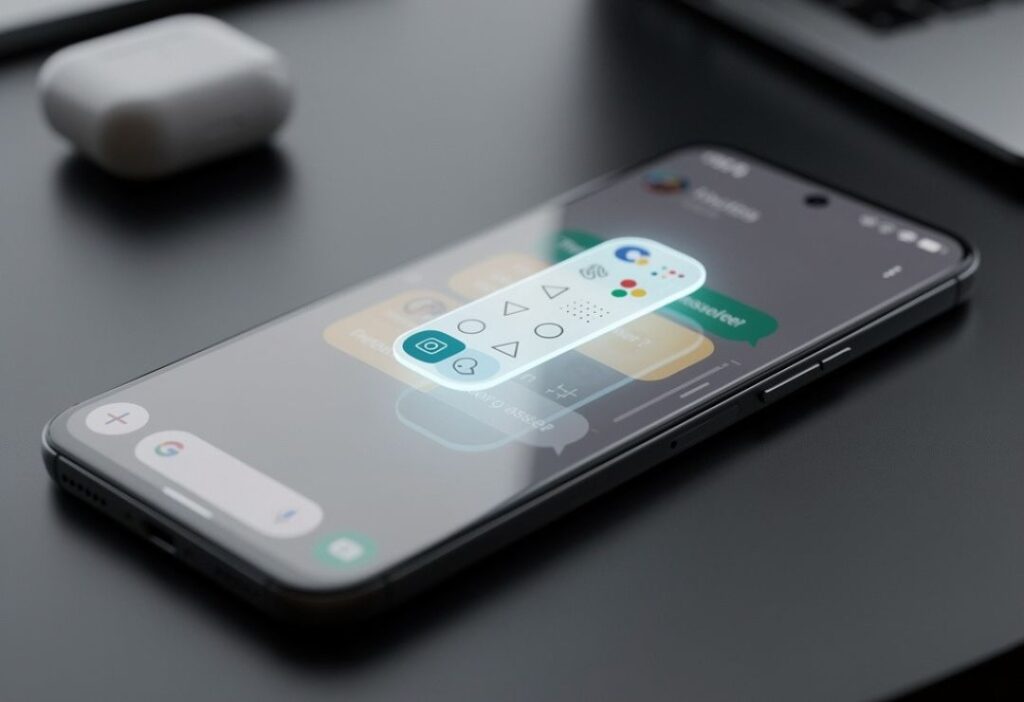
The old version had colorful circles and busier layouts. The new one uses pill shapes, solid backgrounds, and better spacing for a clean, professional vibe.
See the clear difference in this old vs new comparison:
How to Update Google Messages App (Step-by-Step)
- Open Google Play Store.
- Search for “Google Messages”.
- Tap Update if available.
- Let it install.
- Open the app — enjoy the new design!
Updates come in waves, so check back if it’s not there yet.
Common Problems After Google Messages Update & Fixes
- Looks different? Give it a few days to feel normal.
- No update? Clear Play Store cache or wait.
- Small bugs? Restart the phone — Google fixes them fast.
Future Google Messages Design Updates (What to Expect)
Google keeps improving! More AI features, better photo tools, and expressive touches are likely in 2026 and beyond.
Here is a vibrant example of Material 3 Expressive in full swing:
FAQs About Google Messages App Design Update
What is the Google Messages App Design Update on Android?
It’s the 2025-2026 Material 3 Expressive refresh with pill-shaped buttons, floating menus, and lively animations.
Does the Google Messages App Design Update on Samsung work the same?
Yes, it matches perfectly on Galaxy phones via Play Store.
Why these design changes?
To make the app more modern, easy, and fun to match new Android trends.
How do I get the new pill-shaped context menu?
It’s in recent updates (January 2026) — just update the app.
Is the new design better?
Yes — most people love the cleaner, more colorful, and premium feel.
Conclusion
The Google Messages App Design Update on Android and Google Messages App Design Update on Samsung turned a simple texting app into something truly special. With Material 3 Expressive, pill-shaped buttons, floating menus, and smooth animations, your chats now look and feel amazing.