When comparing Google Tag Manager vs Google Analytics, many website owners, marketers, and SEO professionals often struggle to understand which tool they actually need — or whether they should use both. This confusion is especially common among businesses looking to improve SEO performance, conversion tracking, and user behavior analysis across different regions such as the UAE, UK, USA, and Australia.
Although Google Tag Manager (GTM) and Google Analytics (GA4) are both Google products, they serve very different purposes. One focuses on managing and deploying tracking tags, while the other specializes in collecting, analyzing, and reporting website data. Understanding the difference between GTM vs GA4 is essential for accurate analytics, better decision-making, and improved visibility in Google Search, AI Overviews, and voice-based queries.
In this guide, we’ll break down Google Tag Manager vs Google Analytics, explain how they work together, and help you decide which tool — or combination — is best for your business, SEO strategy, and digital marketing goals.
What Is Google Analytics?
Google Analytics (GA4) is a web analytics platform that collects, processes, and reports user data from your website or mobile app.
What Google Analytics Tracks
-
Website traffic & users
-
Page views and sessions
-
Traffic sources (organic, paid, social, referral)
-
User behavior & engagement
-
Conversions and events
-
eCommerce sales & revenue
Key Benefits of Google Analytics
-
Understand how users interact with your website
-
Measure marketing campaign performance
-
Track conversions and goals
-
Improve SEO, UX, and ROI
In short: Google Analytics tells you what is happening on your website.
What Is Google Tag Manager?
Google Tag Manager (GTM) is a tag management system that allows you to add, edit, and manage tracking codes (tags) without changing your website’s source code.
What Google Tag Manager Does
-
Deploys Google Analytics tracking
-
Adds Facebook Pixel, Google Ads tags, and third-party scripts
-
Tracks button clicks, form submissions, scroll depth, and video views
-
Manages custom events for GA4
-
Reduces dependency on developers
Key Benefits of Google Tag Manager
-
Faster implementation of tracking
-
Centralized tag control
-
Fewer coding errors
-
Advanced tracking capabilities
In short: Google Tag Manager controls how and when data is sent to tools like Google Analytics.
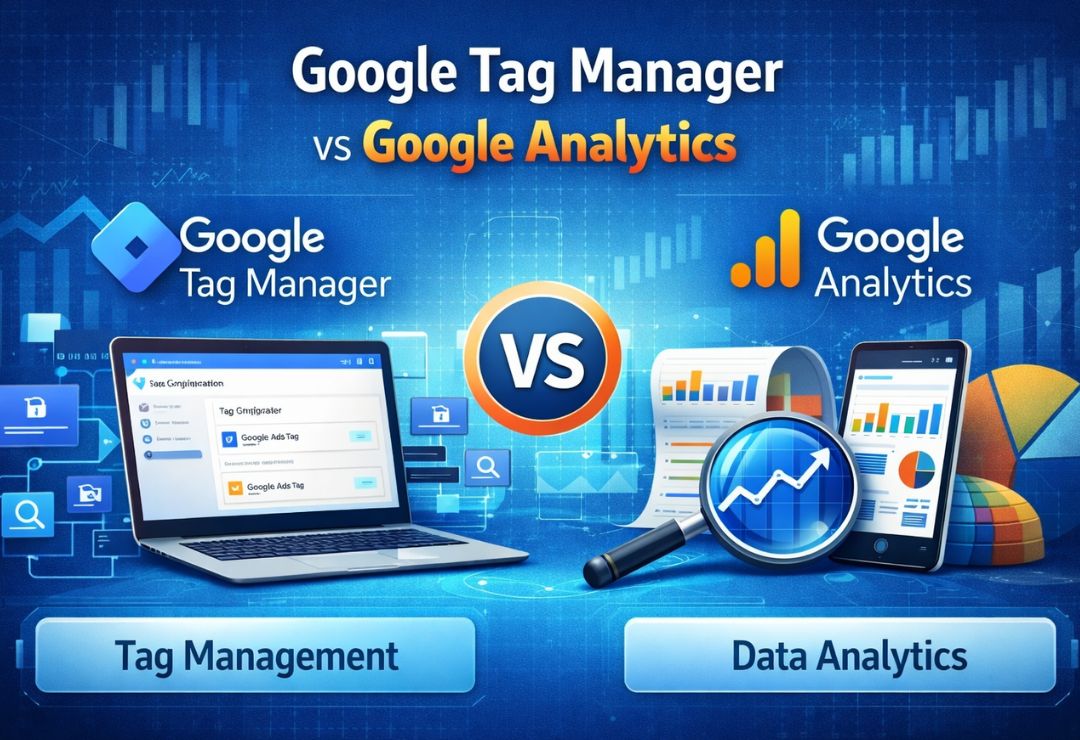
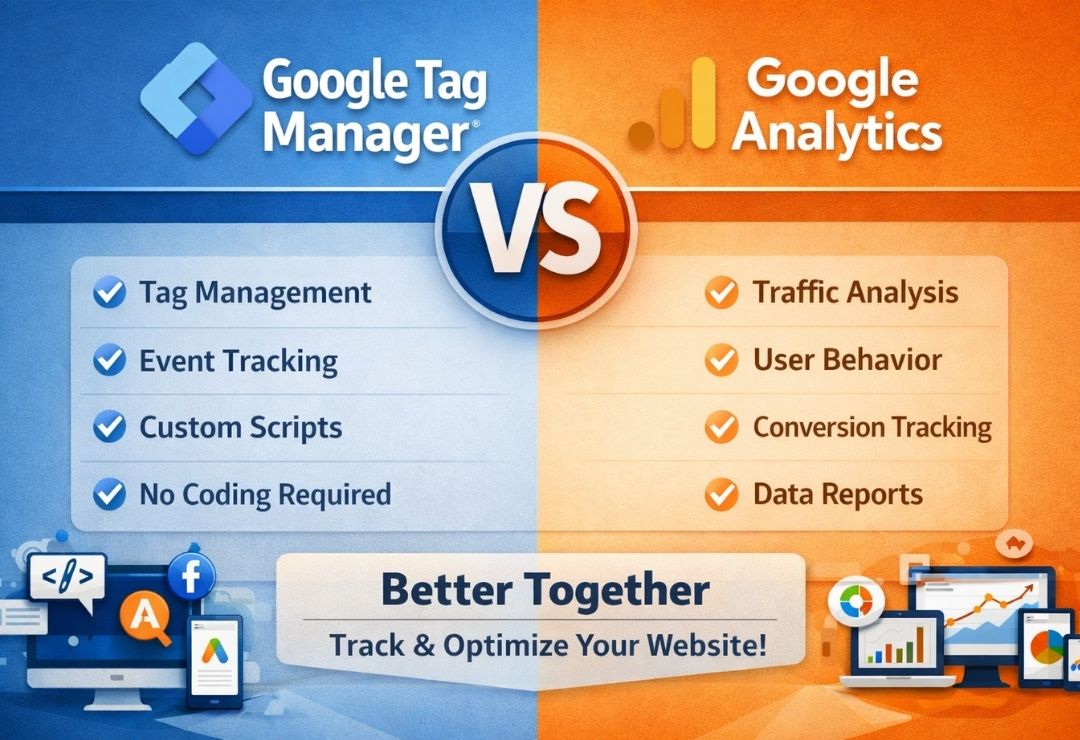
Google Tag Manager vs Google Analytics: Key Differences
| Feature | Google Tag Manager | Google Analytics |
|---|---|---|
| Primary Purpose | Tag deployment & management | Data analysis & reporting |
| Tracks User Behavior | ❌ No | ✅ Yes |
| Collects Website Data | ❌ No | ✅ Yes |
| Manages Tracking Codes | ✅ Yes | ❌ No |
| Requires Coding | Minimal | Minimal |
| Works Alone | ❌ No | ✅ Yes |
| Best Used For | Event & tag control | Performance insights |
Do You Need Google Tag Manager If You Have Google Analytics?
Yes — especially in 2026 and beyond.
While Google Analytics can be installed directly on a website, Google Tag Manager offers far more flexibility and scalability.
Reasons to Use GTM with GA4
-
Track advanced events without code changes
-
Set up conversion tracking easily
-
Implement GA4 recommended events
-
Manage multiple tracking tools from one dashboard
-
Improve site performance by reducing hard-coded scripts
For SEO agencies, eCommerce stores, and lead-generation websites, GTM is now considered a best practice.
Google Tag Manager vs Google Analytics for SEO
How Google Analytics Helps SEO
-
Identifies top-performing pages
-
Measures organic traffic growth
-
Tracks user engagement metrics
-
Analyzes landing page performance
How Google Tag Manager Supports SEO
-
Tracks scroll depth & engagement
-
Measures Core Web Vitals events
-
Enables structured conversion tracking
-
Supports schema event tracking
Together, GTM + GA4 provide better SEO insights, especially for AI-driven search results and behavioral signals.
Google Tag Manager vs Google Analytics for eCommerce
For online stores (Shopify, WooCommerce, Magento):
Google Analytics (GA4)
-
Tracks purchases & revenue
-
Measures customer journey
-
Analyzes product performance
Google Tag Manager
-
Implements enhanced eCommerce tracking
-
Tracks add-to-cart & checkout steps
-
Integrates Google Ads & Meta Pixel
Best setup:
✔ Google Analytics for reporting
✔ Google Tag Manager for implementation
Which One Is Better: Google Tag Manager or Google Analytics?
This is a common AEO-style question, and the direct answer is:
Google Analytics is better for data analysis, while Google Tag Manager is better for managing tracking.
They are not alternatives — they are complementary tools.
Use Google Analytics If:
-
You want insights into user behavior
-
You need traffic and conversion reports
-
You’re tracking SEO and marketing performance
Use Google Tag Manager If:
-
You want flexible tracking
-
You manage multiple tags
-
You need advanced event tracking
Best Choice:
👉 Use both together for maximum accuracy and control
Google Tag Manager vs Google Analytics: Final Verdict
In modern digital marketing, using Google Analytics without Google Tag Manager is limiting, and using GTM without GA4 is pointless.
Key Takeaways
-
Google Analytics shows what users do
-
Google Tag Manager controls how data is collected
-
Together, they improve SEO, PPC, CRO, and AI visibility
-
Ideal for businesses, agencies, and eCommerce websites
If you want accurate data, scalable tracking, and future-proof analytics, GTM + GA4 is the winning combination.
FAQs (AEO Optimized)
Is Google Tag Manager replacing Google Analytics?
No. Google Tag Manager does not replace Google Analytics. It works alongside it.
Can I use Google Analytics without GTM?
Yes, but you’ll lose advanced tracking and flexibility.
Is Google Tag Manager free?
Yes, both Google Tag Manager and Google Analytics are free tools.
Which is better for beginners?
Google Analytics is easier for beginners, while GTM is better for advanced users.