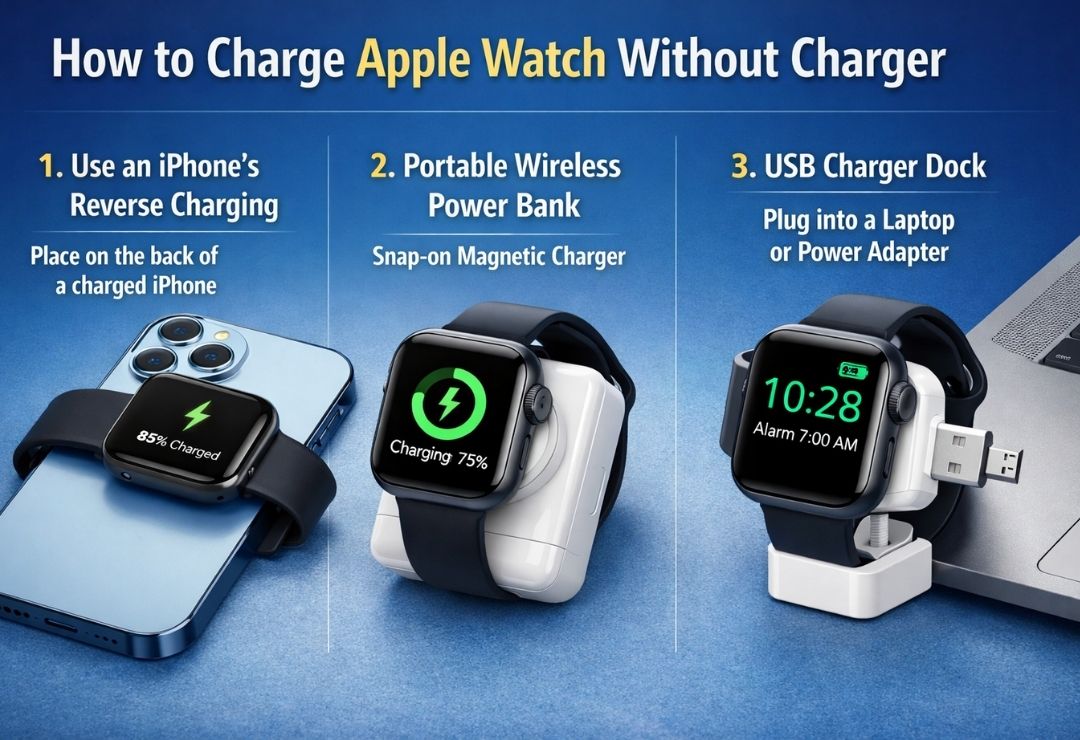
Sometimes your Apple Watch runs low on battery, but you don’t have the official charger nearby. Maybe you forgot it at home, lost it, or are traveling. Many people search for how to charge Apple Watch without charger because they need a quick fix to keep their watch working.
The good news is there are safe and simple ways to add power. These Apple Watch charging alternatives use things you might already have or can easily get. This guide explains everything in easy steps so even beginners can follow along.
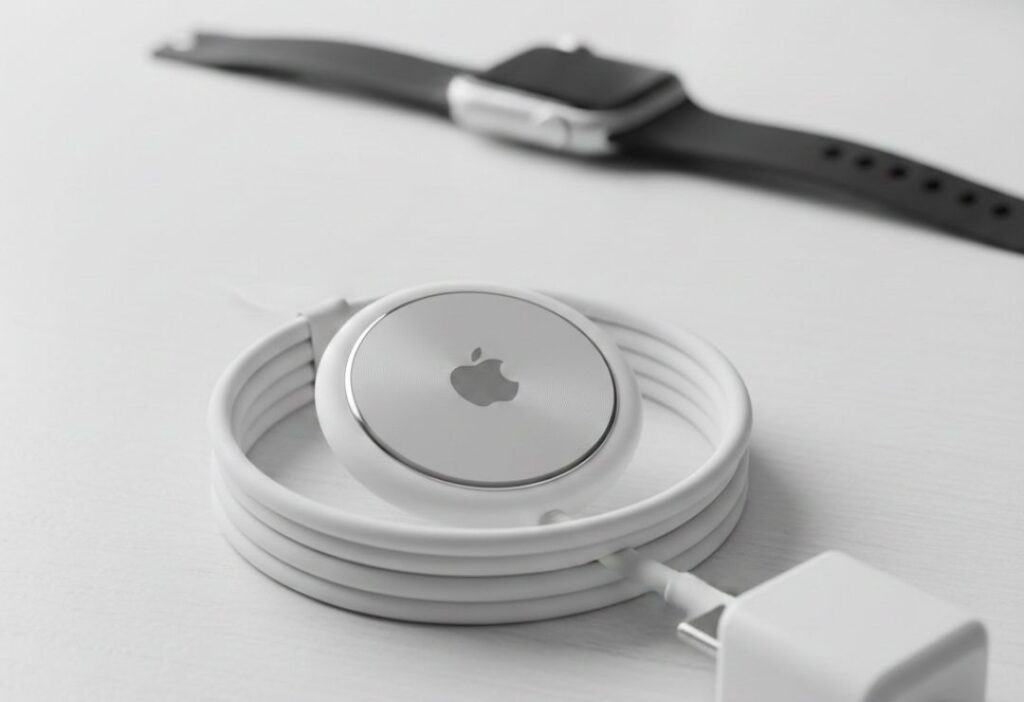
Here is a clear picture of the normal Apple Watch magnetic charging cable that snaps to the back of the watch.
How Does Apple Watch Normally Charge? (Simple Explanation)
Apple Watch uses a special magnetic charger. It is a small round puck with a cable. You place the back of your watch on the puck, and magnets make it stick perfectly. Power flows through without any plugs on the watch itself.
This is called magnetic wireless charging. It is safe and easy. Most Apple Watch models (like Series 7 and newer) charge fast — up to 80% in about 30-45 minutes with the right setup.
But you always need that magnetic part to make it work.
Can You Charge Apple Watch Without a Charger?
The honest answer: You cannot charge it with zero charger parts. The Apple Watch needs a magnetic charger to work — there is no other way like plugging in a wire directly.
But “without charger” often means without the official Apple one. You can use other options that still have a magnetic puck. These Apple Watch power options include third-party chargers, power banks with built-in magnetic parts, or even connecting the cable to different power sources.
This keeps your watch safe and charges it well.
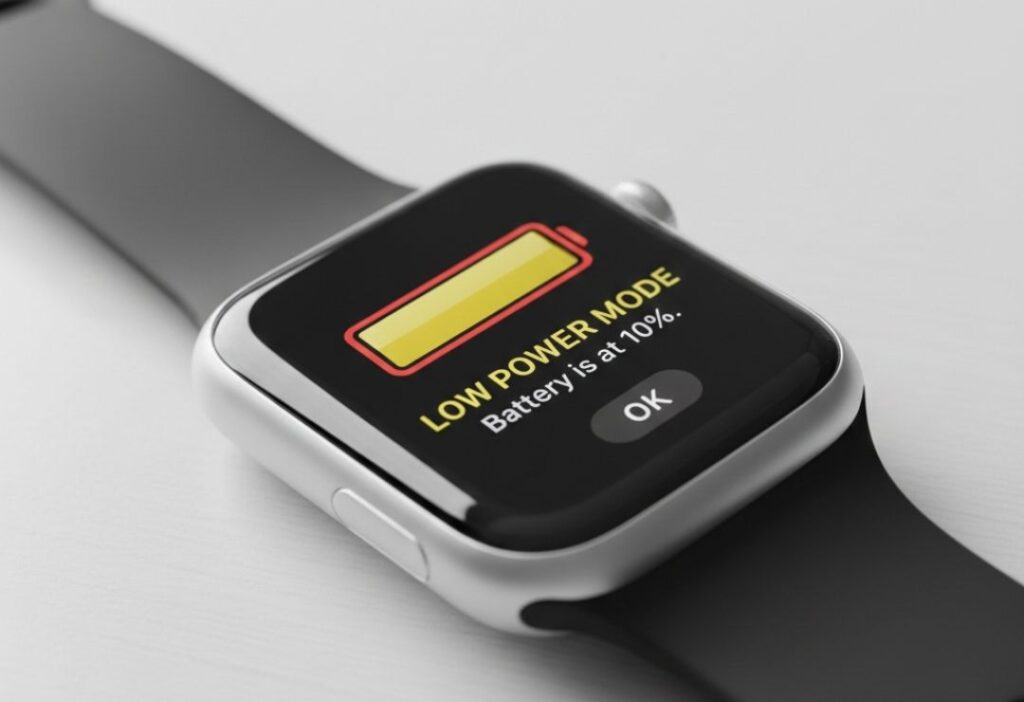
Here is an image showing a low battery screen on Apple Watch — a common reason people look for alternatives.
Easy Methods to Charge Apple Watch Without Charger
Here are the best and simplest ways. Each one uses a magnetic charger but not always the original Apple one.
- Use a Third-Party Magnetic Charger
Many companies make chargers that work just like Apple’s. Look for “Made for Apple Watch” or MFW certified ones. Brands like Anker, Belkin, and ESR sell them. They are cheaper and often come in stands or docks.
Pros: Safe, fast charging, many styles.
Limits: Must be certified to avoid slow or unsafe charging.
- Use a Portable Power Bank with Built-in Apple Watch Charger
Some power banks have a magnetic puck built in. You place your watch on it like normal. Plug the power bank into a USB-C port if needed, or use it wireless.
Examples include Anker MagGo or Belkin portable ones. They are great for travel.
Pros: No wall plug needed, charge on the go.
Limits: Power bank must have enough battery left.
- Plug the Magnetic Cable into Other Power Sources
If you have the cable (even if not the full charger), connect it to:
- A laptop USB port
- A power bank with USB-C output
- A car charger with USB
- Your iPhone’s USB-C port (for newer iPhones with reverse charging)
It charges slower than a wall adapter, but it works.
Pros: Uses things you already carry.
Limits: Slower speed.
- Use a Multi-Device Charging Stand
Many 3-in-1 stands charge your iPhone, AirPods, and Apple Watch at once. They have a spot for the watch with magnetic charging.
Pros: Charges everything together.
Limits: Needs power plugged in.
These Apple Watch charging methods help in most situations.
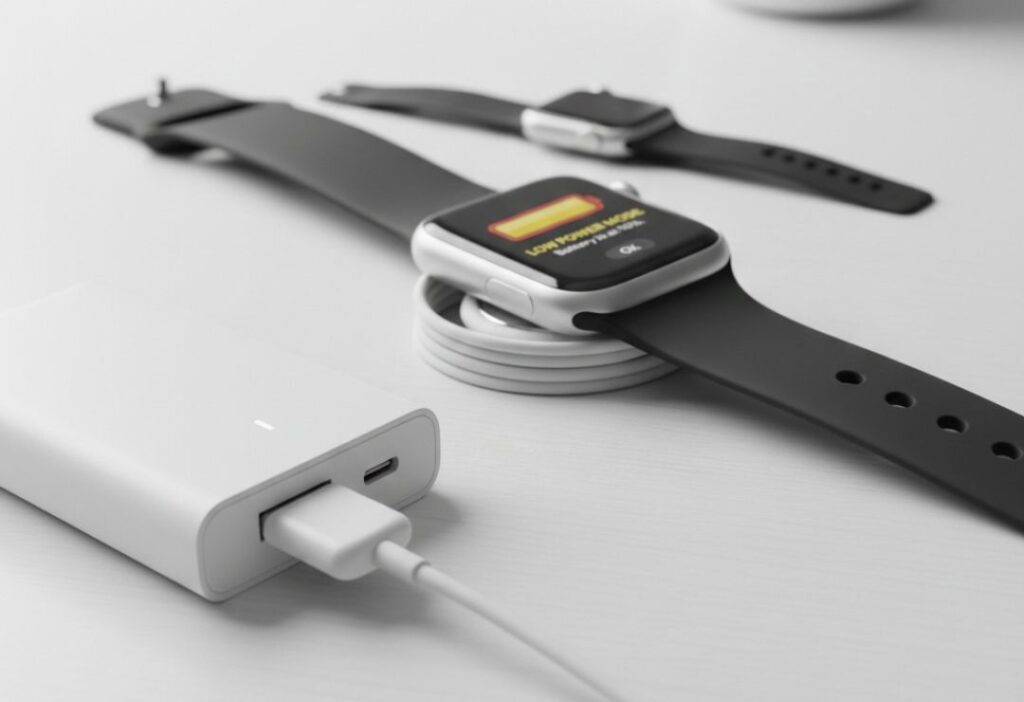
Here is a photo of a portable power bank charging an Apple Watch on the go.
What Does NOT Work (Common Myths Explained Simply)
Many people think these work, but they do not:
- Normal Qi wireless pads (like for iPhone) — Apple Watch will not charge on them.
- Putting the watch on any random wireless charger.
- Charging without any magnetic puck — no hidden port exists on newer models.
Always use a magnetic charger made for Apple Watch to stay safe.
Emergency Charging Tips for Apple Watch
When battery is very low:
- Turn on Power Reserve mode (it shows only time and saves power).
- Lower brightness and turn off always-on display.
- Use one of the methods above quickly.
These tips give you extra time to find a charger.
Here is an image of a third-party charging dock for Apple Watch.
Apple Watch Battery Saving Tips When You Have No Charger
Save battery so you charge less often:
- Turn off always-on display in Settings.
- Reduce notifications.
- Use theater mode.
- Close unused apps.
- Enable low power mode.
These small changes make your battery last longer.
Apple Watch Charging: What Apple Officially Recommends
Apple says use their magnetic charger or certified ones. For fast charging, use a 20W USB-C adapter with the fast cable (for Series 7 and newer).
They do not support non-magnetic methods. Always pick safe, certified accessories.
Here is a clear view of the Apple Watch charging screen when it starts to power up.
Step-by-Step: What to Do If You Forgot Your Apple Watch Charger
- Check if you have the magnetic cable.
- Find a USB-C power source (laptop, power bank, etc.).
- Plug in the cable and place your watch on the puck.
- If no cable, buy or borrow a certified third-party one.
- Use a power bank with built-in charger if available.
- Wait for it to charge — it may take longer.
Stay calm — help is easy to find!
Common Mistakes to Avoid While Charging Apple Watch
- Do not use cheap, non-certified chargers — they can be slow or unsafe.
- Avoid extreme heat or cold while charging.
- Do not cover the watch while on the charger.
- Do not force it — magnets should snap easily.
These mistakes can hurt your battery over time.
Future of Apple Watch Charging Technology
Apple keeps improving charging. Newer models charge faster. We may see better portable options or even longer battery life.
Wireless tech like Qi2 might bring more choices, but magnetic charging stays the main way.
Here is an example of a modern multi-device charger that includes Apple Watch support.
FAQs – How to Charge Apple Watch Without Charger
Can I charge Apple Watch with a normal wireless charger?
No. It needs a special magnetic charger. Normal Qi pads do not work.
What is the best way to charge Apple Watch without the official one?
Use a certified third-party magnetic charger or a power bank with built-in Apple Watch support.
Can I use my iPhone to charge my Apple Watch?
Yes, if you have the cable — plug it into your iPhone’s USB-C port (newer models support reverse charging).
Is it safe to use third-party chargers?
Yes, if they are certified (MFW or Made for Apple Watch). They are safe and work well.
How fast does Apple Watch charge with alternatives?
It depends. Fast chargers match Apple’s speed. Others may be slower but still work.
Conclusion
Learning how to charge Apple Watch without charger is useful for travel, busy days, or accidents. The key is always using a magnetic charger — official or certified third-party ones. Power banks, USB ports, and multi-device stands make it easy.